


This is a non-confidential authoring reference, hidden from the website by draft: true. Read it in your editor or on GitHub. The full authoring manual is in the repository's README.md.
To see this page in the local preview, temporarily set draft: false and open /blog/markdown-reference/. Restore draft: true before publishing the site. Drafts have no website route while hidden, including in local development. A draft committed to this public repository is not private.
Copy this file to a new lowercase, hyphenated .md filename when starting a post. Replace the title, date, tags, description, cover image, and example content. Save blogs in content/blog/ and life checkpoint stories in content/checkpoints/. The folder determines the type; no checkpoint field is needed. Only blog files use tags; omit them for life checkpoints. Only checkpoint files use the optional badges field to link their badge artwork.
Text and structure
Inline simulations
Put this marker between paragraphs wherever the interactive wave simulator should appear. Repeat it for multiple independent simulations:
An explanation before the first experiment.

::: simulation uniform-plane-waves
:::

Compare a second setup.

::: simulation uniform-plane-waves
:::
The marker stays literal inside this code example. In a post, use it outside
the code fence, lists, and quotes. uniform-plane-waves is the currently
registered simulation; other simulation names need a registered component first.
Paragraphs
A paragraph with bold text, italic text, strikethrough, and inline code. Leave a blank line before the next paragraph.
A deliberate line break uses a trailing backslash.
This starts a new line within the same paragraph.
A subsection
Use ## for main sections and ### for subsections. The site already displays the front-matter title as the main heading. Two or more level-2/level-3 headings create an “On this page” panel.
- An observation
- Another observation
- A supporting detail
- Define the question.
- Try an experiment.
- Review the result.
- Write a first draft
- Revisit the explanation
A quotation or an aside set apart from the main text.
Links
A button-style project link:
Internal paths start with /. Standard post Markdown accepts HTTP/HTTPS, site paths, and #section links; it does not support mailto: links or relative paths such as ../another-post/.
Personal side notes
Add a comment immediately after a thought. A personal comment can include emphasis, inline code, and a link.
This is an indented continuation of the same note.
A second thought can have a different note. Use a note for a source or an uncertainty. Labels are case-sensitive and allow letters, numbers, hyphens, and underscores.
A later paragraph can refer back to the first note without repeating it.
Notes stay closed by default. Click a number to open a popup with its text and images. Close it with Close, Escape, or a click outside the popup.
The definitions are at the bottom of this file. Use four spaces to indent continuation lines, with blank lines between paragraphs. A note can contain dates, text, images, and the existing media blocks.
Images
A regular image keeps its proportions and can be enlarged by clicking it:
A compact photo with a caption and description uses a media block:
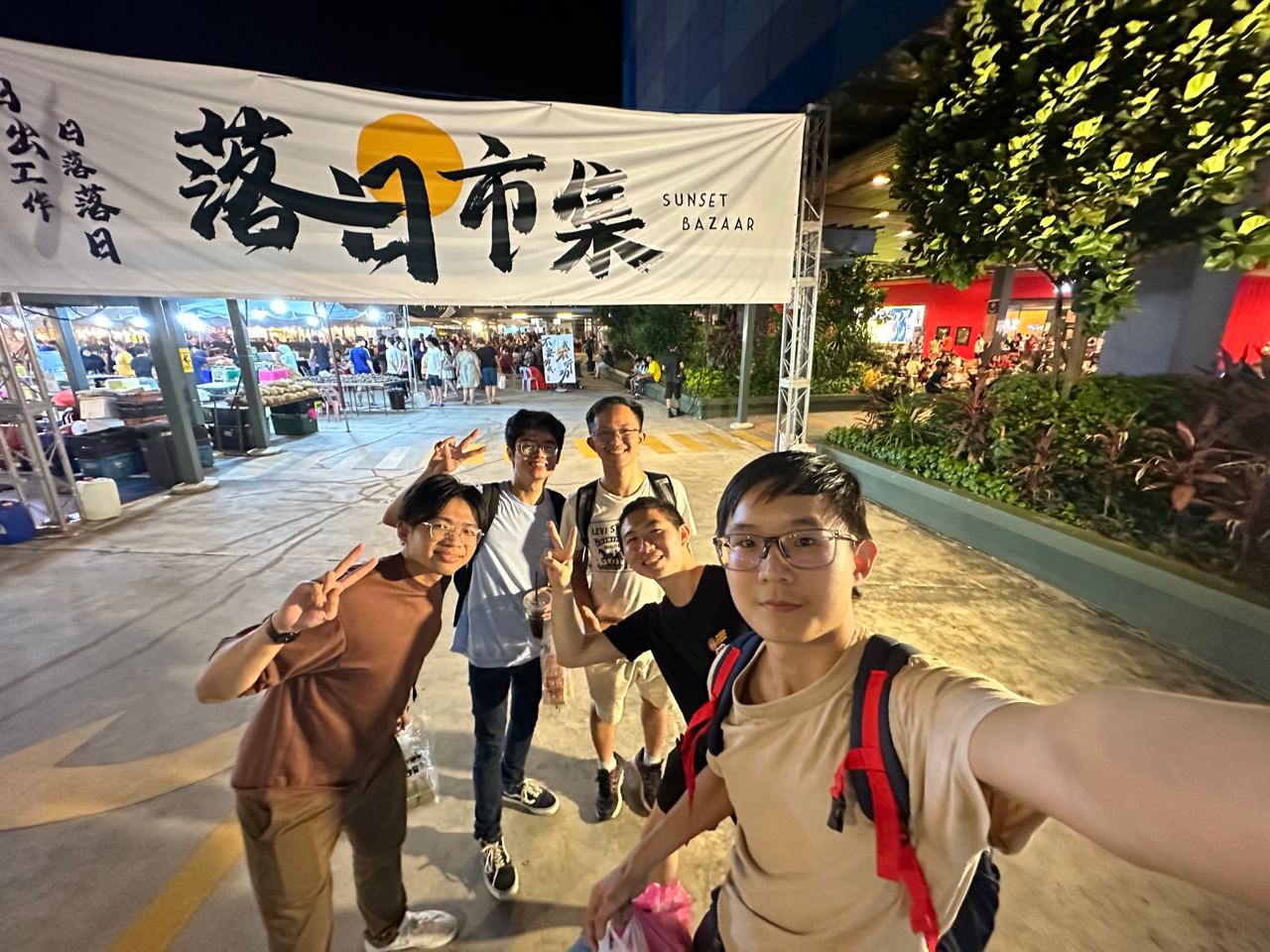
For a new post, put images in public/blog/your-post/ and reference them as /blog/your-post/photo.jpg. Remove the image field from front matter if you do not want a cover.
Video
A thumbnail link opens the video on YouTube:

For an embedded player instead, change youtube-lite to youtube. Here is the syntax shown as code so this reference does not load a second player:
::: youtube
https://www.youtube.com/watch?v=aJ2kp675on8
:::
Code
observations = [0.72, 0.81, 0.86]
average = sum(observations) / len(observations)
print(average)
The language label is optional. Code formatting is supported; syntax coloring is not currently enabled. Mermaid and LaTeX are not rendered as diagrams or equations.
Tables
| Setting | Value | Effect |
|---|---|---|
| draft | true | Excluded from the website |
| tags | An array of topic names (blogs only) | Creates topic links and filters; ignored for checkpoints |
Wide tables and code blocks scroll within the article on narrow screens.
Before publishing
- Replace all example content and metadata in your new post.
- Set
draft: falseon the post you want to publish. - Check the local preview and mobile layout.
- Run
npm run test:content,npm run lint, andnpm run build. - Review, commit, and push to
mainto deploy through GitHub Pages.
Keep this reference file set to draft: true. A future date does not schedule publication; the draft flag controls inclusion in the next build.